Notion Workspace
One home for the whole project. Keep your brief, references, decisions, and next steps together in a structured workspace. Templates and guides help you move through each phase without losing the thinking behind your work.


A complete AI-assisted operating system for solo designers — from the first client conversation to brand, product, design system, launch and beyond.
🎁 Use our code AIDESIGN30 and get 30% off. Only 3 days left!





AI can create more options than you could ever review. But it still can't tell you which one is right. Most designers are left with disconnect tools, lost context and starting from a blank page again.
Ideas, files and decisions are spread across different places.
You end up explaining the project to AI again and again.
AI can generate, but it can't decide what deserves to exist.
The Solo AI Designer Starter Kit gives AI a different role at every stage of the project - with the context and rules it needs to actually be useful.
You set the direction. AI supports the process.
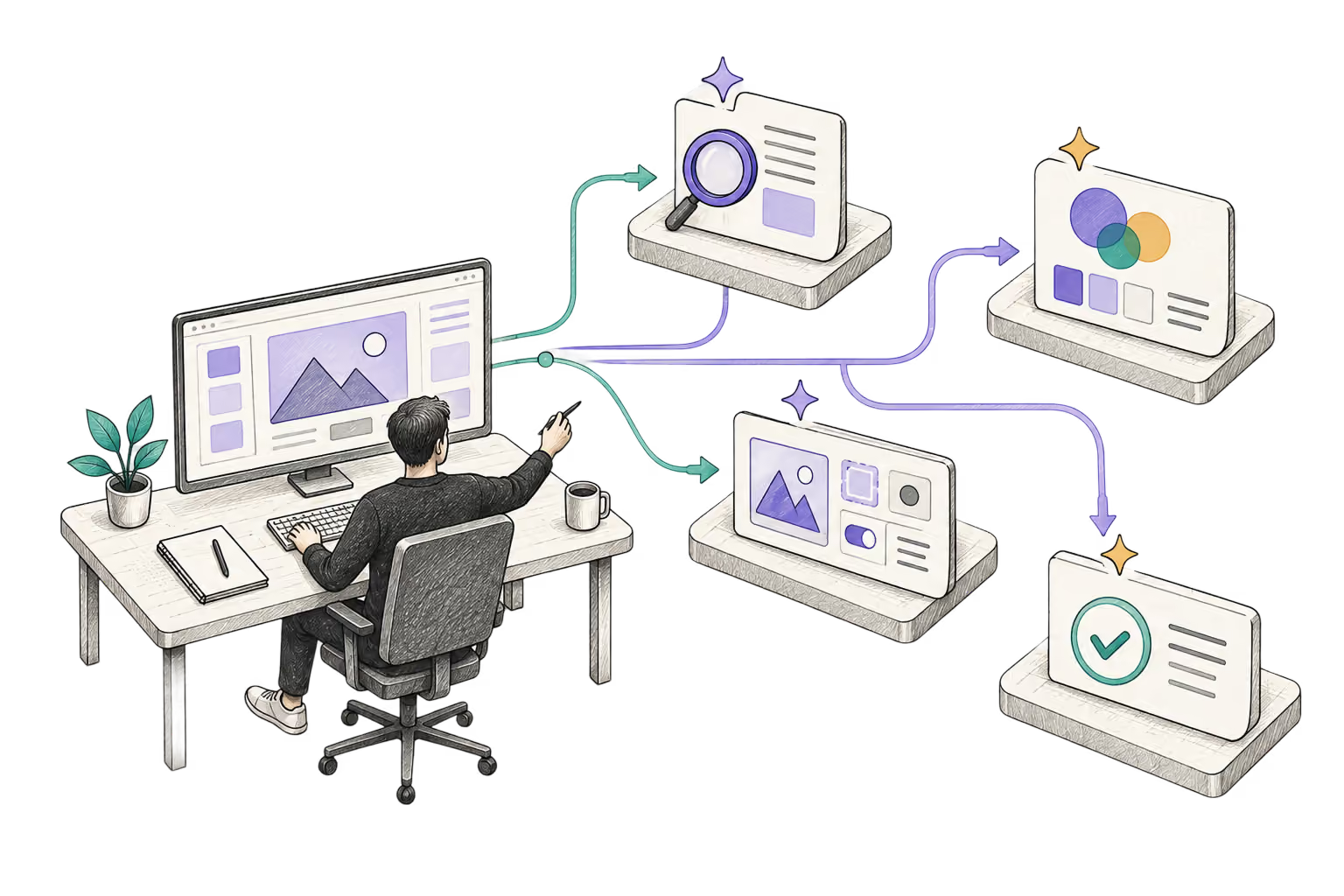
Everything you need to run real projects - from strategy to shipping.
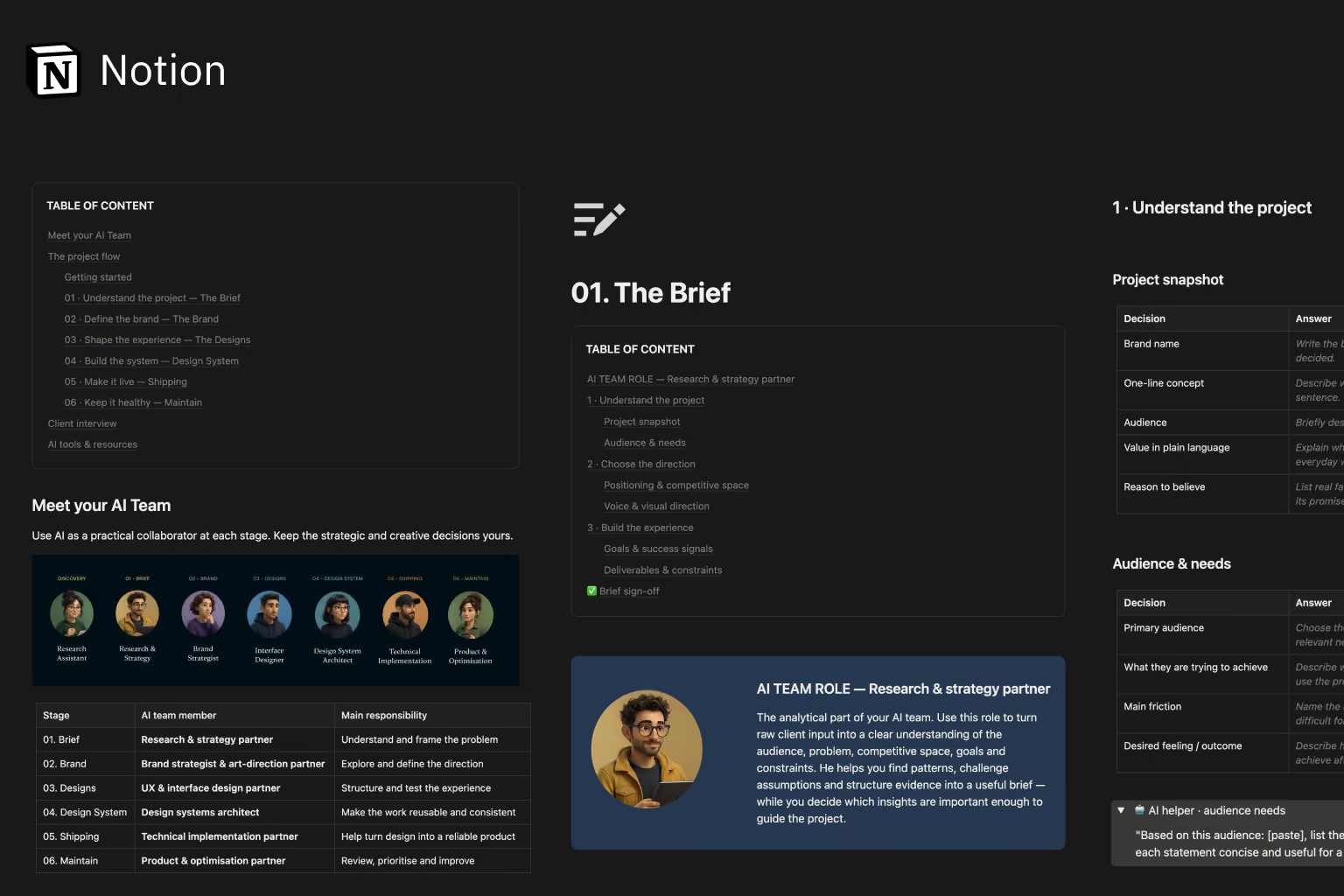
One home for the whole project. Keep your brief, references, decisions, and next steps together in a structured workspace. Templates and guides help you move through each phase without losing the thinking behind your work.
Give AI a clear role at every stage. Reusable prompts and workflows help you explore directions, challenge ideas, and turn decisions into next steps—with your project context built in. You set the direction. AI supports the process.
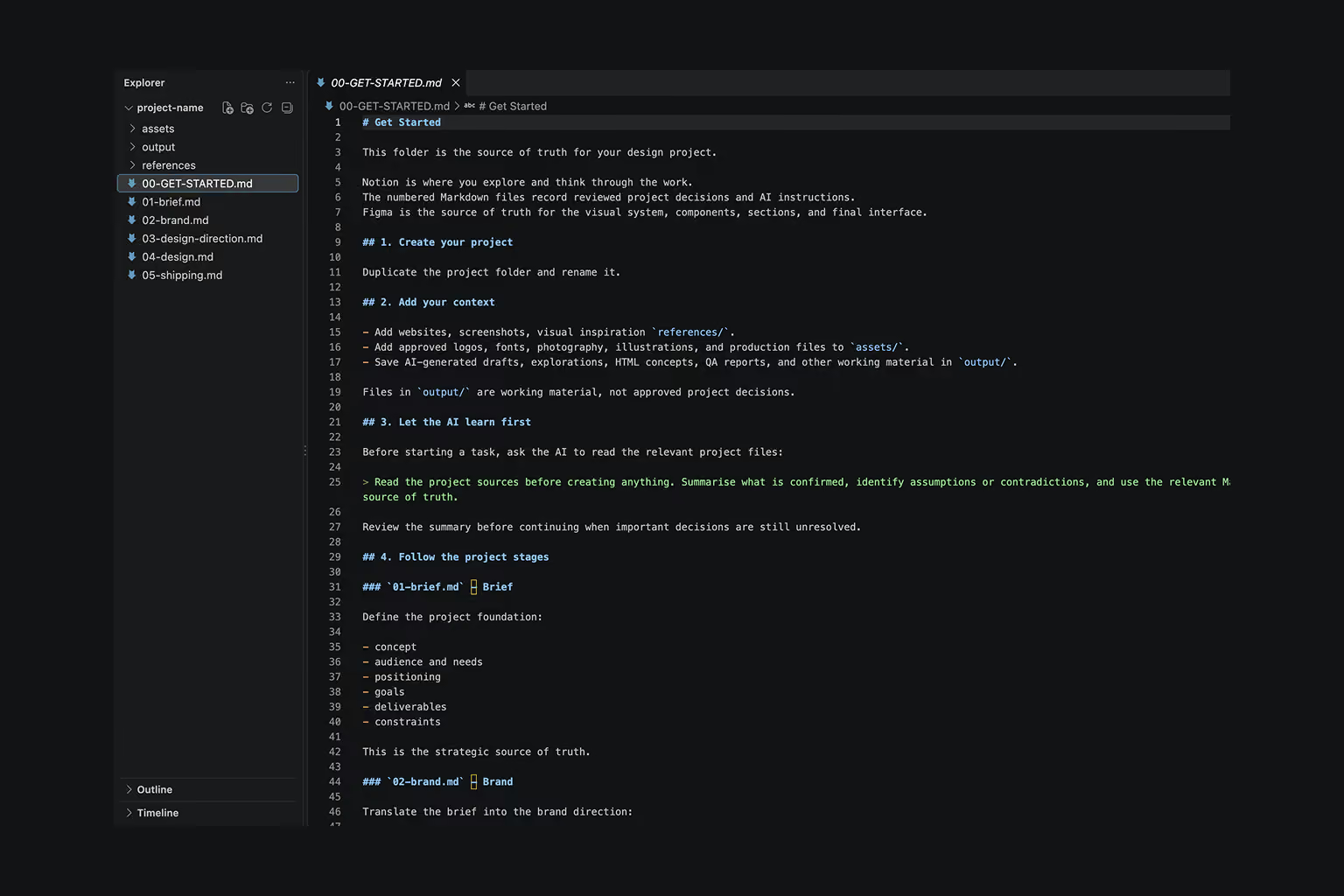
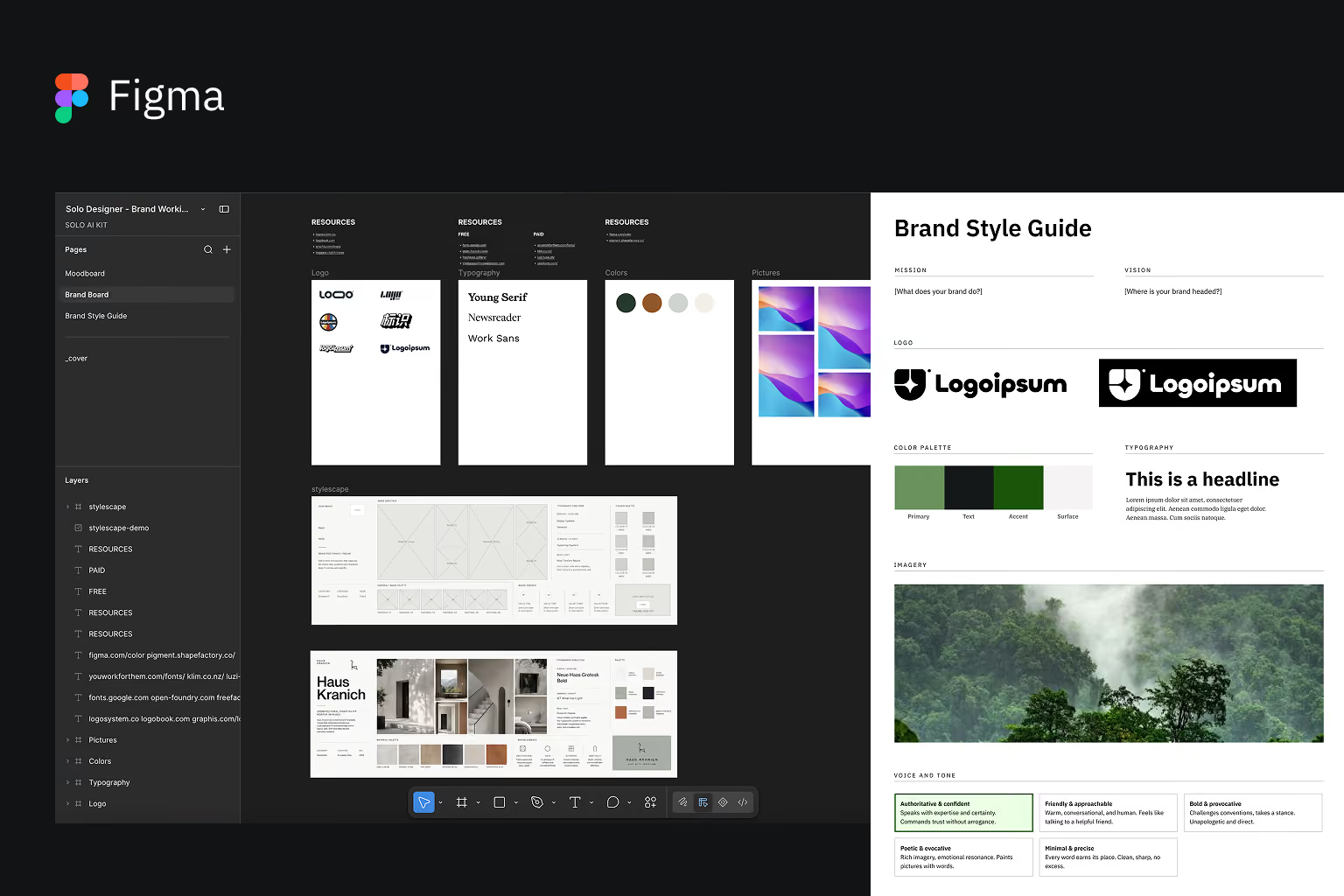
Start with structure, then make it yours. A foundation for your brand and design system helps you turn early ideas into consistent, reusable design work. Spend less time setting up files and more time refining the details that make the project distinct.
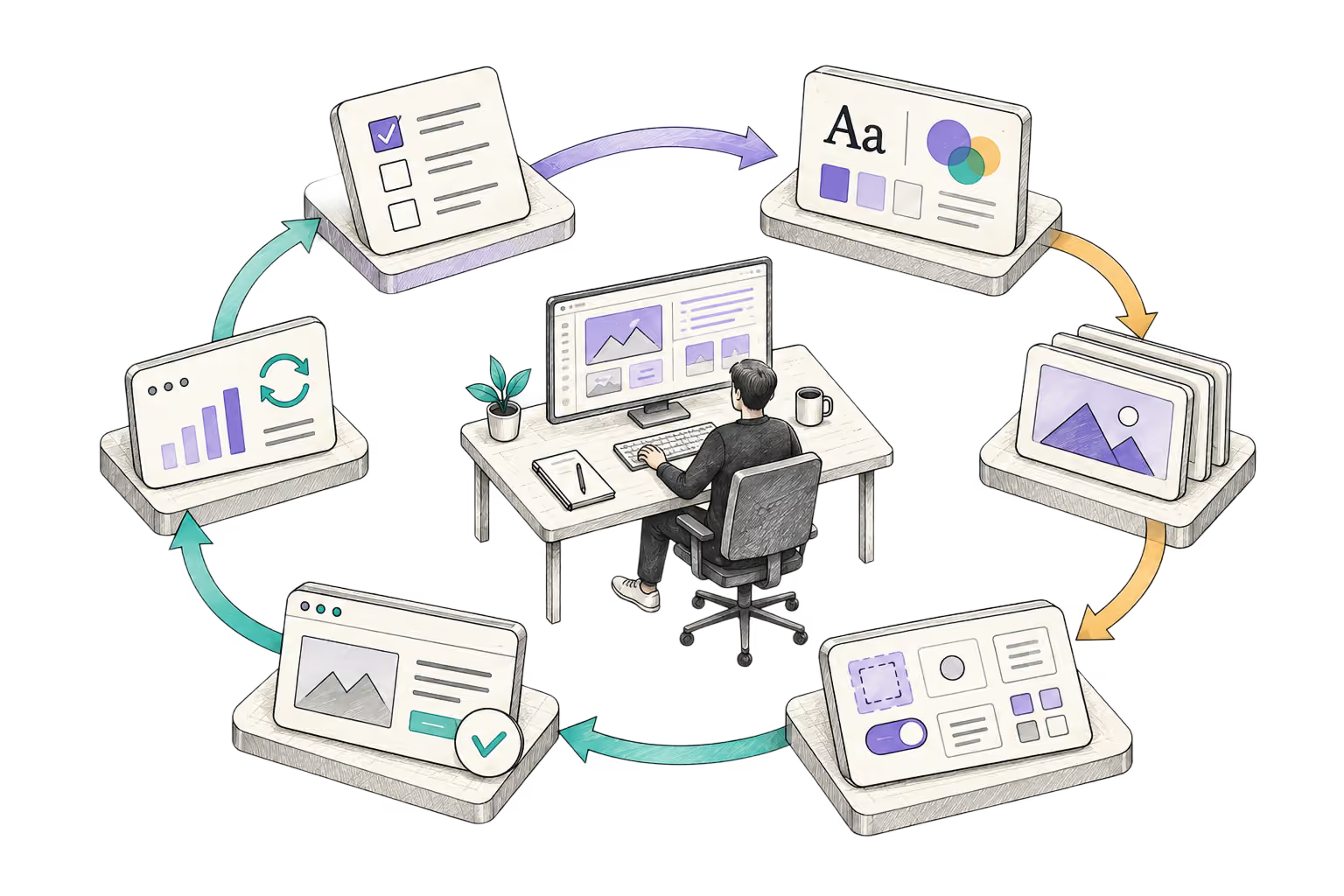
One repeatable path through a whole project. Each phase tells you what to hand the AI — and what only you should decide.
Pin down the real problem before anything opens. AI drafts the questions; you decide what actually matters.
Direction, type, colour, voice. AI generates options at speed; you choose with taste.
Screens and layouts that hold together. AI fills the grid fast; you keep every choice intentional.
Turn the work into reusable parts, so the next project starts at sixty percent instead of zero.
Clean, documented, and ready for code — whether you hand it off or build it yourself.
Keep it alive. Iterate, extend, and feed what you learn back into the system.
🎁 Use our code AIDESIGN30 and get 30% off. Only 3 days left!
In this four-hour hands-on workshop, you’ll work through one focused AI-assisted workflow for UI design: understand a shared brief, prepare useful context, explore multiple directions, refine a solution, and turn it into an interactive prototype.

“Thank you for an informative session! It was great to see how we can use our AI tools to create skills or .md files that support our workflows. The tips on improving our design systems and handing work over to developers were helpful, and there were plenty of lessons we can use today. I found the tips on getting AI to audit your designs especially helpful, and I look forward to trying it out.”

Vicky
Lead UX UI Designer · Unite Students
“As a UI designer, I'd tried plenty of AI tools without ever getting a reliable workflow out of them. This workshop changed that. It's really valuable for anyone trying to make AI a practical part of their design workflow. I especially liked the focus on process rather than individual tools: preparing the right context, exploring directions, critiquing AI output, and building a prototype. I left with a workflow I can use in my own projects right away.”

Gero
UI Designer / Marketeer / Author · Freelancer
“Super practical workshop with a clear, hands-on approach to integrating AI into the design process. I left with a workflow I can actually use.”

Kristina
Founder & Social Media Expert · Naturbeat
No — that's the whole point. The prompts and workflow do the steering, so you don't have to be a prompt engineer. You bring judgement and taste; the kit handles how to ask.
It's tool-agnostic. The prompts and process work with the assistants and image tools you already use. Claude, Gemini, ChatGPT, Midjourney, Figma AI, NanoBanana.
No — a free Notion account is enough. After checkout you get a link to duplicate the whole kit into your own Notion in one click, then it's yours to edit and build on.
Freelancers, solo founders, and designers who own the whole project alone — and want a repeatable system instead of reinventing the process every single time.
Weekly notes on design, AI, and the craft of doing both well. Subscribers get early access to courses & special discounts.